
How to put an order?
- To put an order on FALINK, you need to register as our member and login.
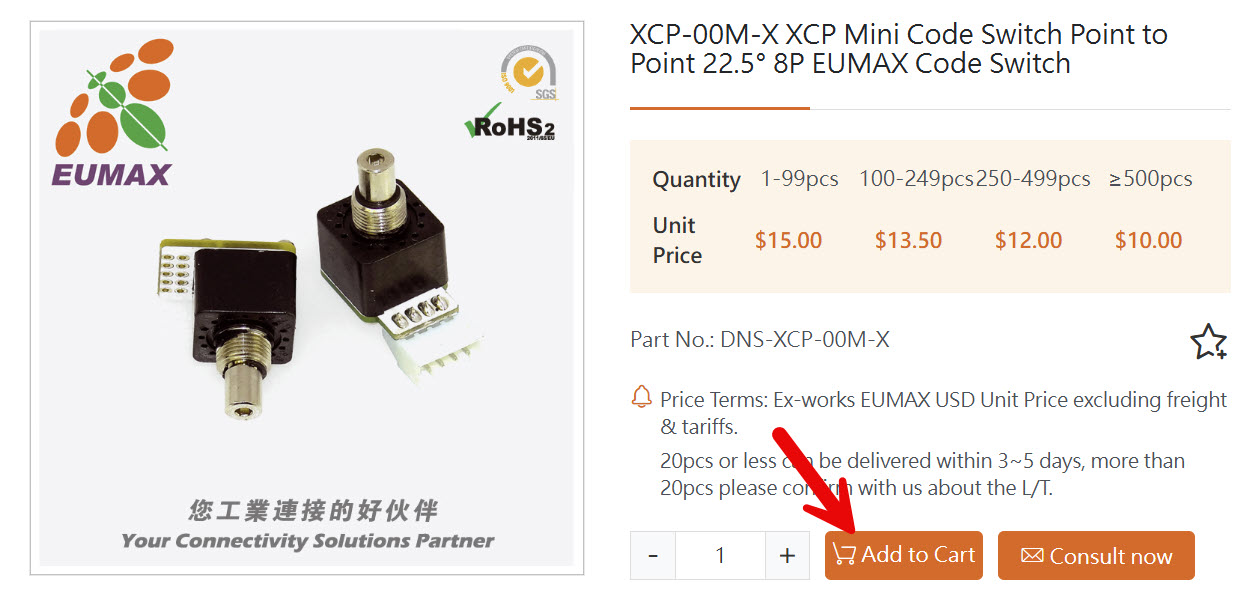
- Add the products you want to shopping cart.
- Click on the cart button on the right top of webpage.

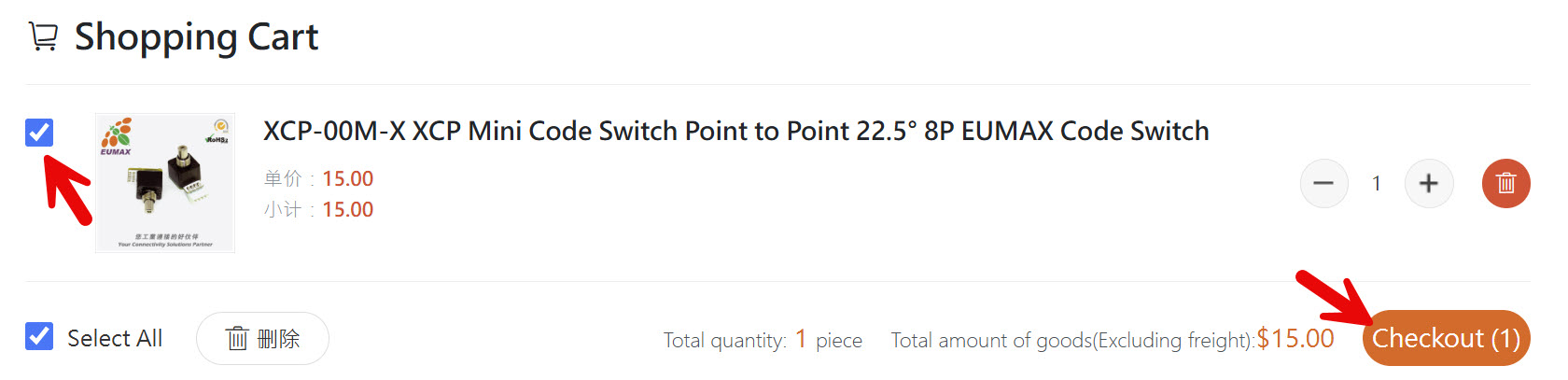
- Select the products you would like to purchase this time and click on the checkout button.
- Fill in your shipping address, payment methods, and courier to complete the order.
- Wait for the freight charge confirmation.
* Due to the time difference, it may take longer than 1 day for us to reply, but we will respond as soon as possible. If you have any questions or encounter any issues, please feel free to contact us. - You will recive a Payment Request email which includes the freight charges and all the details.
- Visit My Account > Order Management, find this order and click on "View details", then you can find FALINK/Eunax's banking info in the bottom.
- Please complete your payment within 10 days, or the order will be canceled automatically.
- Once your payment has been confirmed, you will recive an notification by Email. It means we are going to prepare your order and you will recive another deliver notification with a tracking code once it is delivered.
- You can download all the shipping documents here : My Account > Order Management